Install LightXtreme VPN on Your Device
 30-Day Money-Back Guarantee
MacOS client download
The app runs on macOS 12 and up, regardless of model.
More than 70 countries host 2,000+ servers, so performance is excellent.
Location limits stop blocking, so any site or platform can be opened.
Without caps or throttling, the connection stays fast and stable.
A virtual address hides your genuine IP and keeps your browsing private.
Advanced ciphers shield your privacy while you browse.
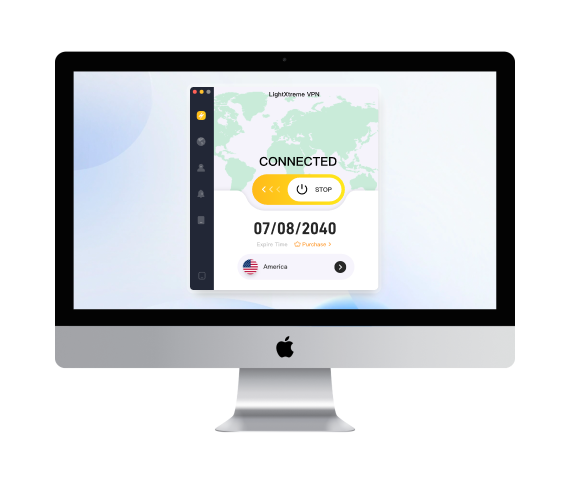


Three steps for macOS
Download and add
Hit Free Download and the app downloads and sets up on its own.

Subscribe and sign up
Select a plan, subscribe, and you will get a numeric account to configure.
Log in and connect
Start LightXtreme VPN, log in, choose a node and connect, then browse normally.
Questions from Mac users

Use a reliable service like LightXtreme VPN, choose a tier, download from the official site and install.

AES-256-GCM combined with Shadowsocks, Vless and WireGuard shields the traffic.
A warning about an unverified developer can be cleared in Apple > System Settings > Privacy & Security by allowing the app.
iOS client download
The app requires iOS 15 or newer.
Both iPhone and iPad devices are supported.
Over 70 countries host 2,000+ servers.
Borders stop blocking, so global information is available.
The link is quick, reliable and encrypted, and bandwidth is uncapped.
IP hiding plus encryption keeps your session private and secure.
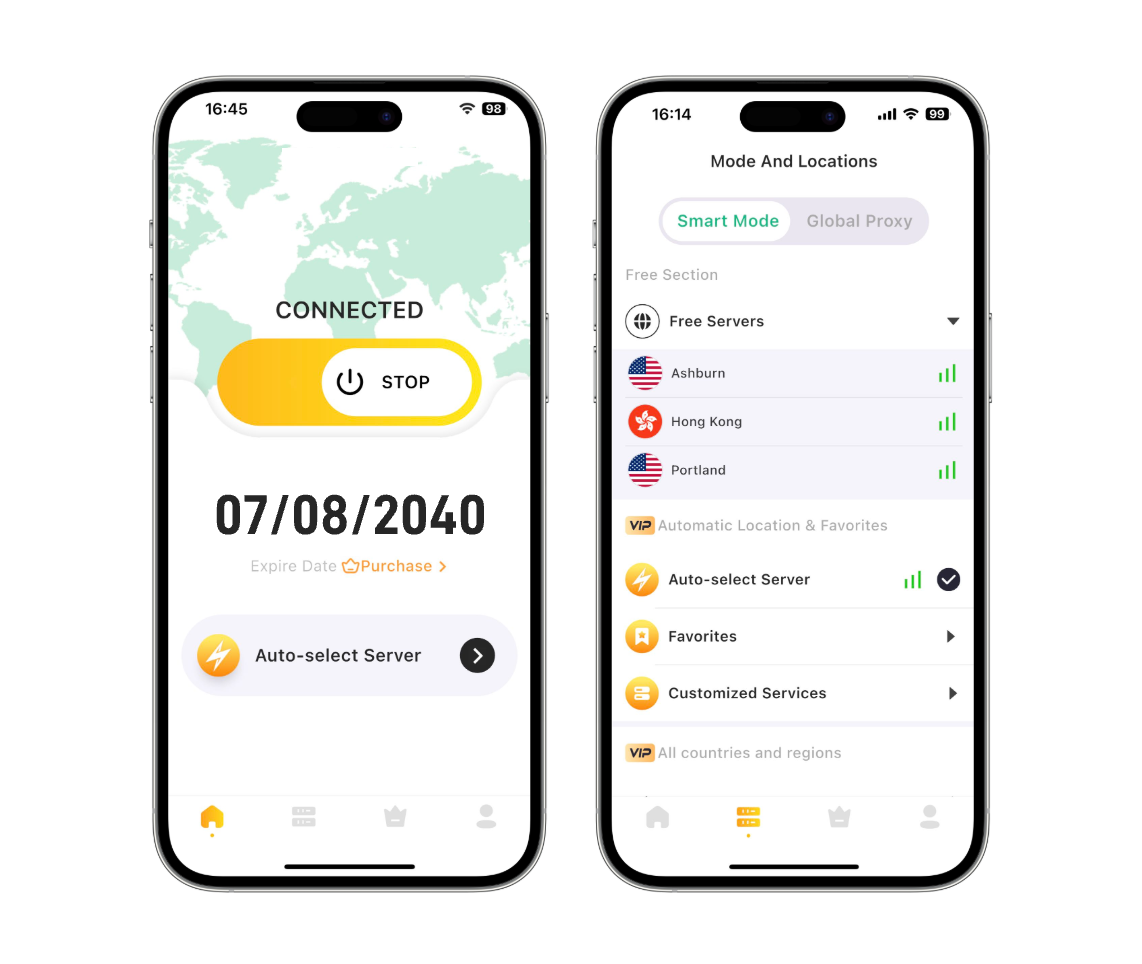
Three steps for iOS
Download and add
Use Free Download or look up LightXtreme VPN in the App Store to install it on the device.
Subscribe and sign up
The install includes a trial account, with paid plans available after.
Log in and connect
Start LightXtreme VPN, log in, tap Start, or pick any other node you like.
Questions from iPhone users
The App Store may hide the app due to local rules.
VPNs cover your IP and encrypt what you send, keeping online activity private.
You can try it free, and a paid plan unlocks all servers and no bandwidth cap.
Windows client download
Both Windows 11 and Windows 10 are compatible.
Over 70 countries have 2,000+ servers available.
Borders stop holding you back and world-wide content is available.
The link is quick and steady, and bandwidth has no ceiling.
You can reach YouTube, TikTok, Instagram, Netflix and more.
Your IP remains hidden and traffic encrypted, so privacy holds.
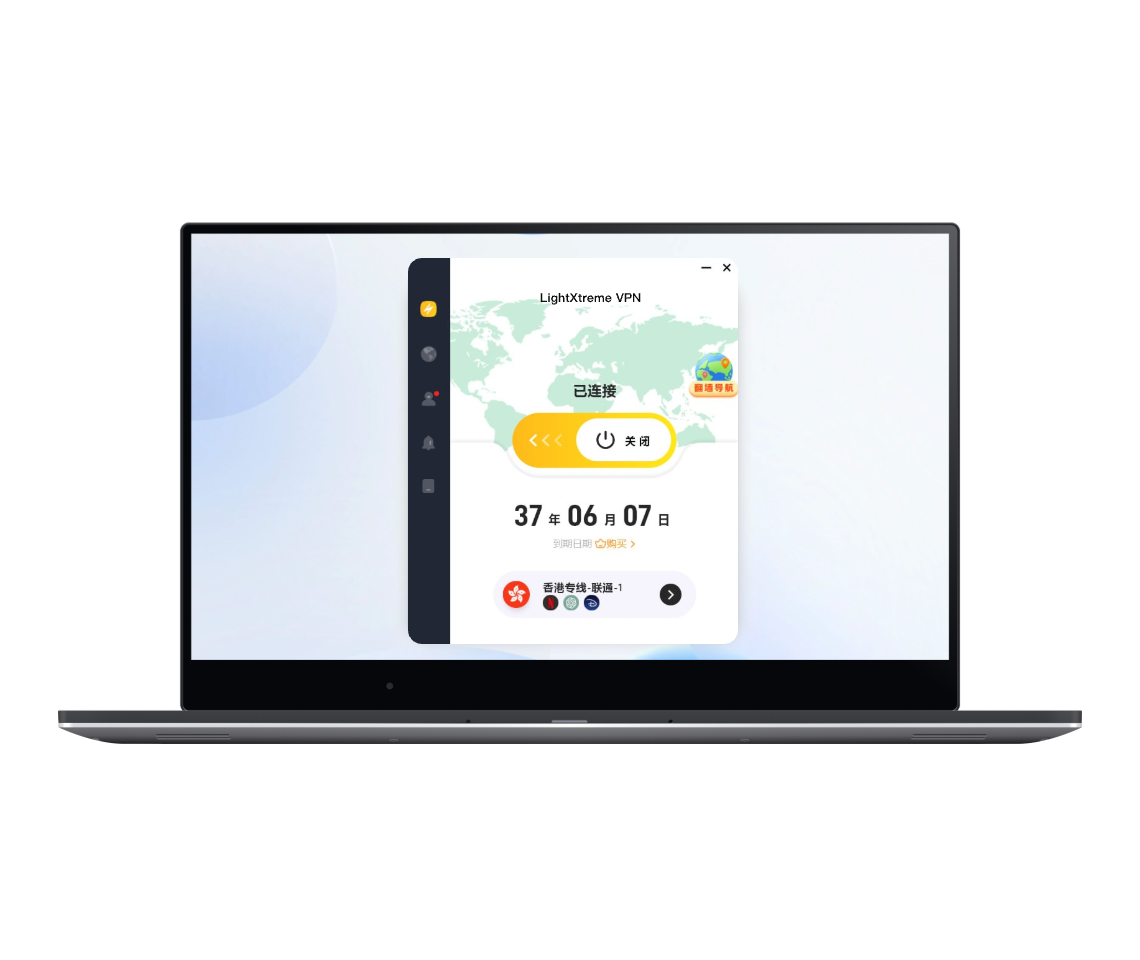
Three steps for Windows
Download and add
Use Free Download to fetch the client, then install it on the computer.
Subscribe and sign up
Select a tier, subscribe, then protect the issued account with a password.
Log in and connect
Start the client, sign in, choose a server and connect, then browse.
Questions from PC users
In your browser, visit the LightXtreme VPN site and press Free Download to get the client.
Confirm the network is steady before moving on.
Make sure the account details are correct and the subscription is current.
Yes, you can have 3 devices online with one account.
Android client download
The app runs on Android 5.0 and above.
You get 2,000+ servers worldwide and uncapped bandwidth.
Location limits no longer block any site or platform.
Connections stay fast, stable and protected.
Advanced encryption keeps data, privacy and safety intact.
Hidden IP means your identity stays private.
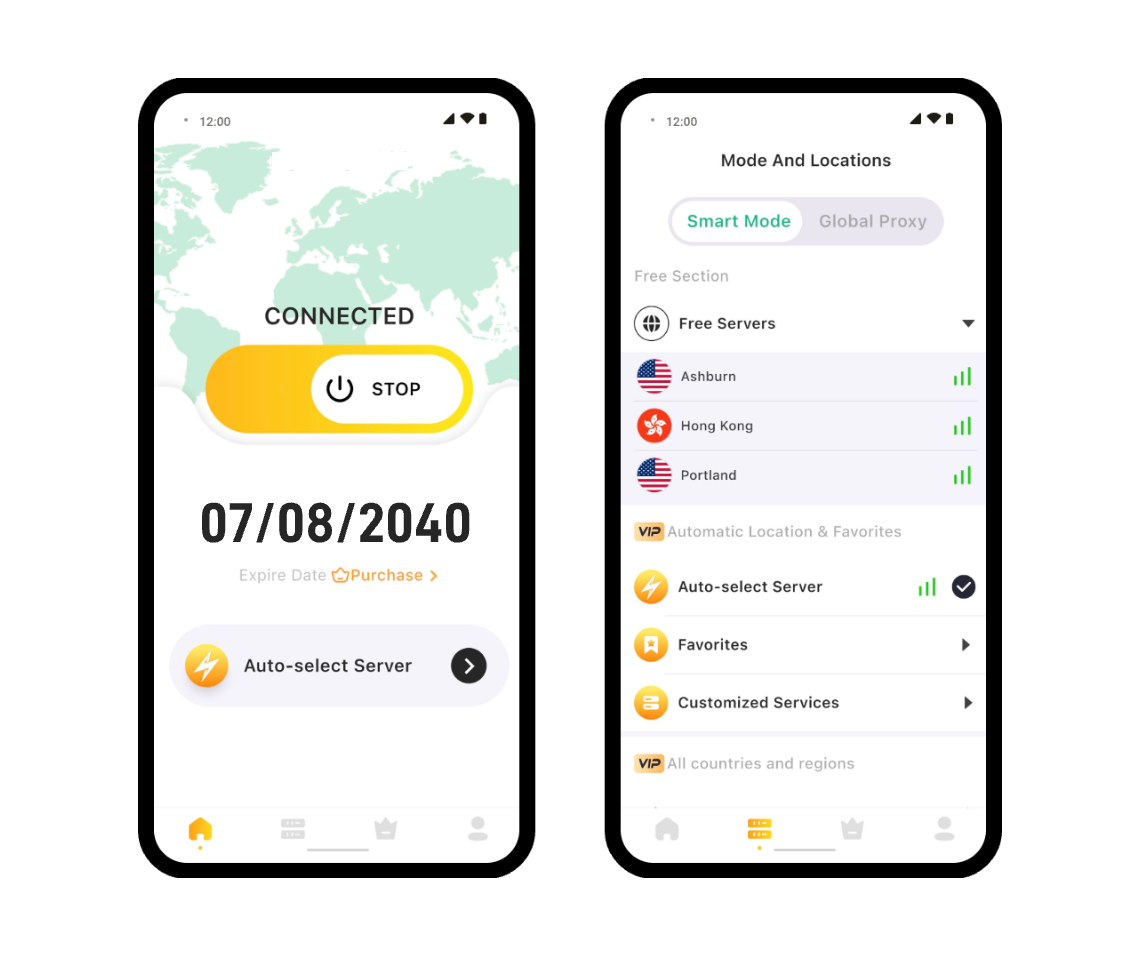
Three steps for Android
Download and add
Press Free Download, then install the client on your Android device.
Subscribe and sign up
You get a free trial account on install, and can pick a plan afterwards.
Log in and connect
Start LightXtreme VPN, log in with your account and pick a server.
Questions from Android users
Pick a reliable VPN like LightXtreme VPN, download from Google Play and start it.
You have to pay for the full service, but a free trial account comes on install.
In the app, tap Stop to close the current connection.
Change servers, check your network, update the client, then retry.
Apple TV client download
The app works on tvOS 17 and above.
70+ countries host close to 2,000 servers.
Netflix, Hulu, Disney+ and similar services are ready for streaming.
Regional barriers fall away, revealing worldwide video.
One tap starts a fast, steady session with no bandwidth ceiling.
AES-256-GCM keeps your data safe and your privacy intact.
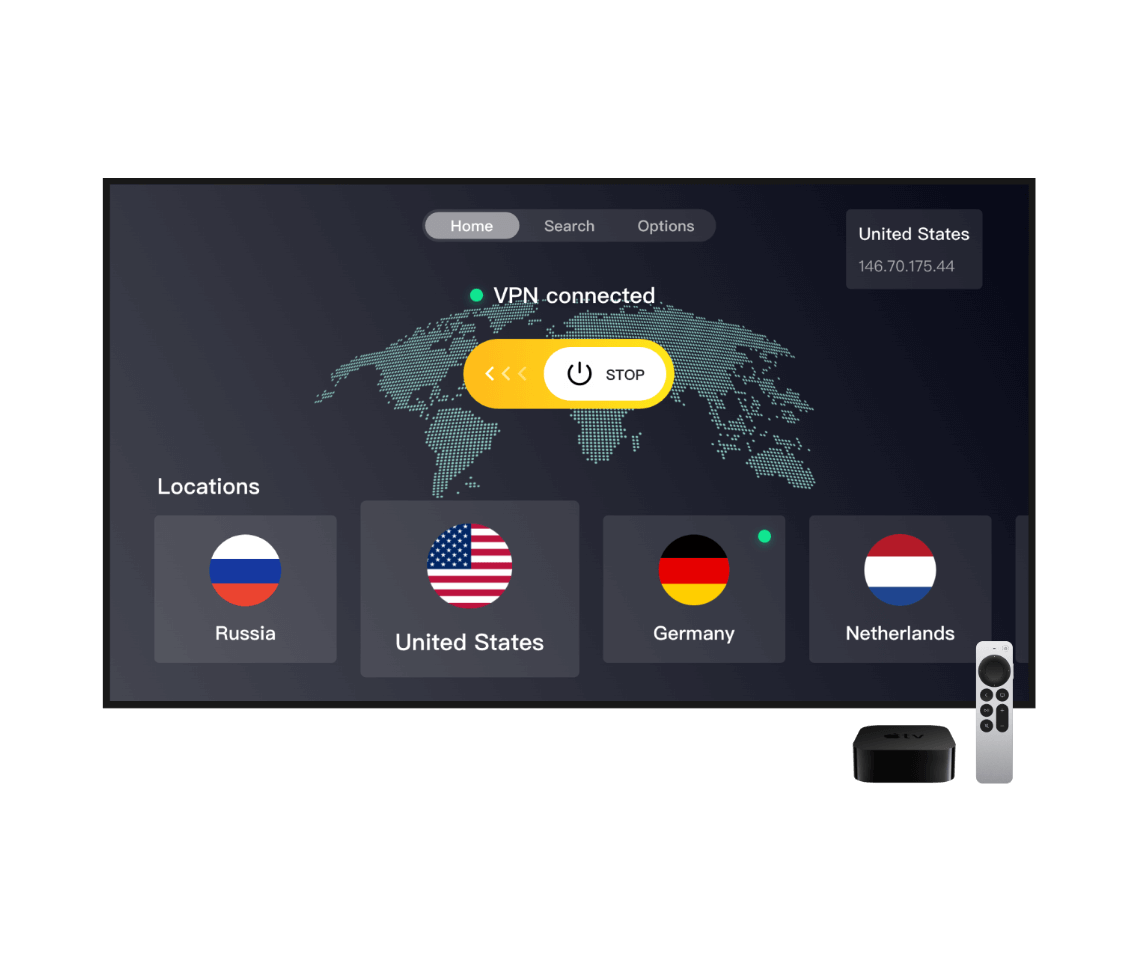
Three steps for Apple TV
Download and add
Launch Apple TV's App Store, look up LightXtreme VPN and install it.
Subscribe and sign up
Choose and pay for a plan, then sign in with the issued account.
Log in and connect
Choose country and server, connect, and the content you want begins.
Questions from TV users
In the Apple TV App Store, search for the app and install it directly.
Sign in with the account name and password, or scan the QR code shown by the LightXtreme VPN app.
tvOS 17 or later lets Apple TV add the native VPN app from the App Store.
Android TV client download
The app runs on Android 5.0 and later versions.
Netflix, Hulu, Disney+ and other services are ready for streaming.
You can now reach content from over 70 countries.
Over 2,000 worldwide servers, fast, reliable and never capped.
Heavy-duty encryption safeguards information and privacy.
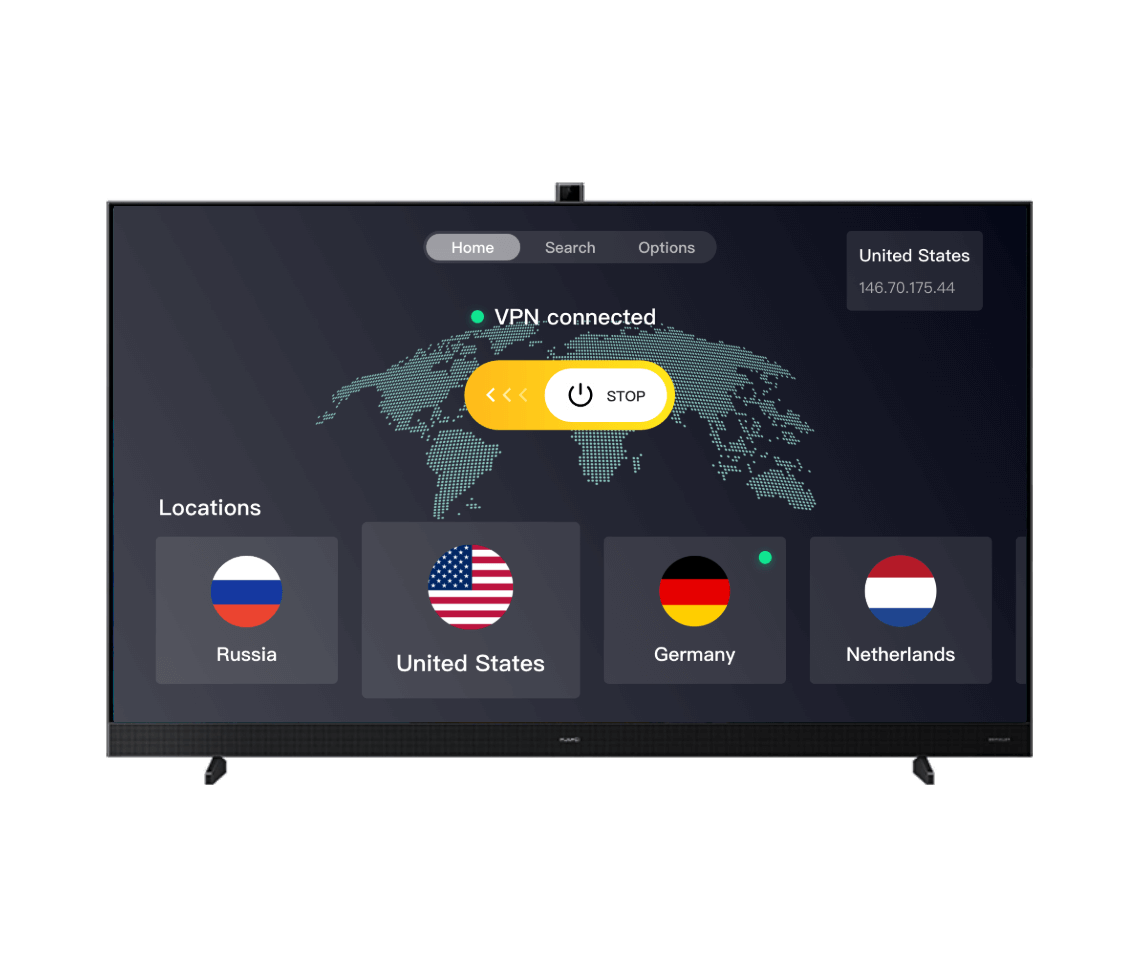
Three steps for Android TV
Download and add
Launch Android TV's Google Play, look up LightXtreme VPN and install it.
Subscribe and sign up
Subscribe to a plan and receive a random account to sign in with.
Log in and connect
Choose country and server, connect, and the content starts playing.
Questions from TV users
In Google Play on Android TV, search for LightXtreme VPN or get the APK.
On Android TV it is fast and reliable, with clients for Apple TV, Windows and others.
Sign in with the account name and password, or scan the QR code shown by the LightXtreme VPN app.
Yes, many VPN services publish Android TV apps you can install from Google Play.
Worthwhile VPNs offer optimised fast nodes for video, so you barely lose speed.
Linux client download
Support starts at Debian 11 or Ubuntu 20.04 LTS, covering AMD64 and ARM64.
Over 70 countries host more than 2,000 servers.
Geo restrictions go away and worldwide content opens up.
The link is quick and dependable, with no data ceiling.
You can open YouTube, TikTok, Instagram, Netflix and any other platform.
Hidden IP and encrypted data protect your privacy.
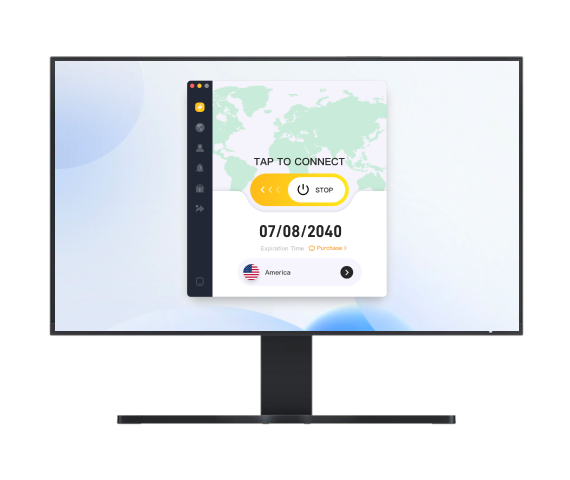
Three steps for Linux
Download and add
Use Free Download and install the client on your Linux device.
Subscribe and sign up
Subscribe and create your numeric account.
Log in and connect
Start the client, sign in, tap Start, or use Mode to select another server.
Questions from Linux users
Most Linux VPNs need CLI commands; here all steps happen inside the app.
Among the many Linux VPNs, LightXtreme VPN offers a particularly good experience.
Chrome extension download
Browsing that is quick, safe and ad-free.
The install takes no effort and works right away.
Strong encryption protects privacy and keeps data safe.
Over 2,000 servers break borders and reach any site.
Good link quality keeps every session running well.
IP masking keeps your privacy and network safety intact.
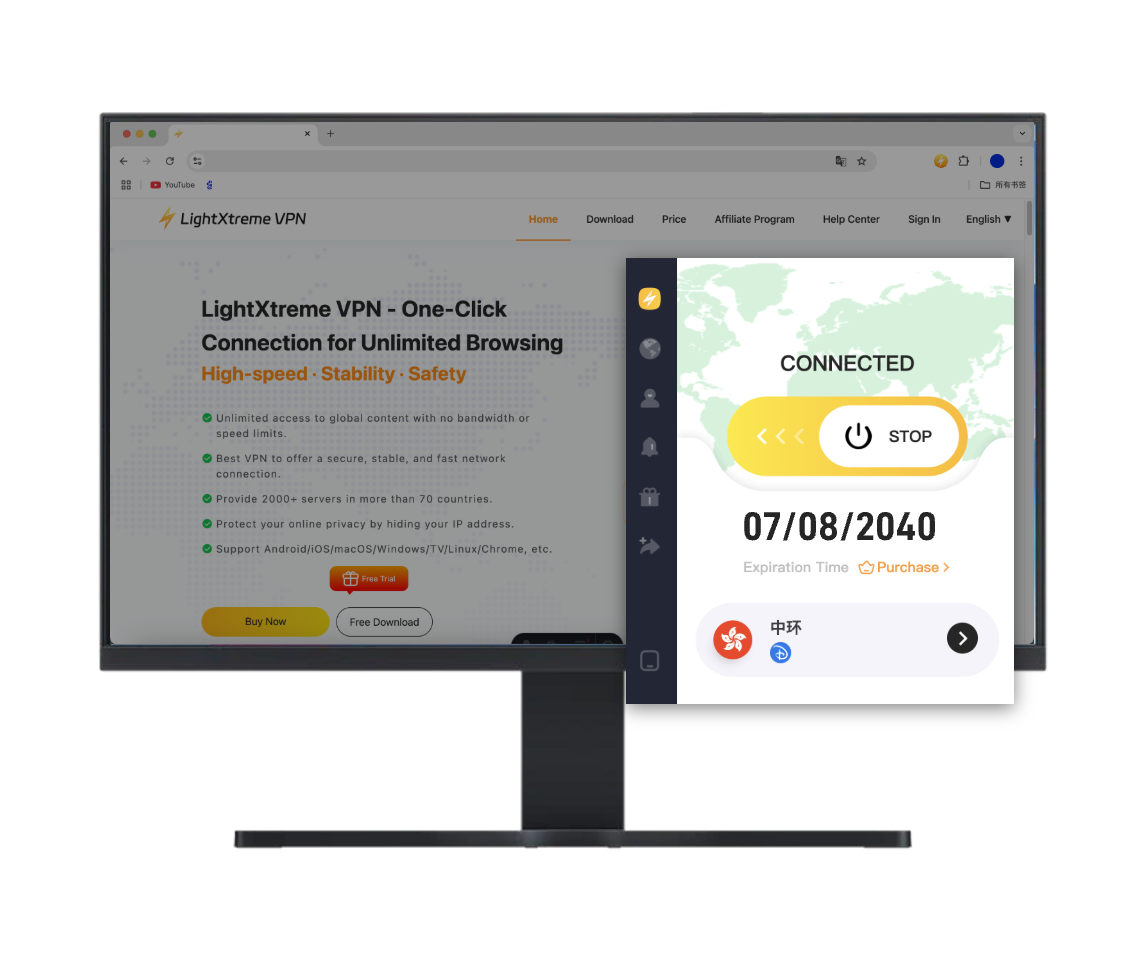
Three steps for Chrome
Add LightXtreme VPN to Chrome
Use Free Download or search Chrome Web Store for the extension.
Subscribe and sign up
Sign up and pick the tier that suits you.
Log in and connect
Open the add-on, sign in, choose a location and node, and connect.
Questions from Chrome users
Chrome 124 or later is the requirement.
Edge extension download
Microsoft Edge offers fast, protected, ad-free browsing.
Over 2,000 servers around the world are ready to open sites.
Changing your address keeps you anonymous and your activity safe.
Encryption protocols keep your data safe.
The install is easy and the app is ready at once.
Browsing feels best with quick, reliable connections.
Three steps for Edge
Add LightXtreme VPN to Edge
Use Free Download and confirm when prompted.
Subscribe and sign up
Open an account and afterwards select the tier that fits you.
Log in and connect
Open the add-on, sign in, choose a server and tap Connect.
Questions from Edge users
Edge 124 or above is the requirement.
Firefox extension download
Firefox offers fast, protected, ad-free browsing.
Installation takes little effort and works right away.
Over 2,000 servers worldwide make every site accessible.
Hidden IP keeps your identity private and browsing secure.
Advanced encryption technology keeps privacy well guarded.
Reliable high-speed connectivity delivers great browsing.
Three steps for Firefox
Add LightXtreme VPN to Firefox
Search the Firefox Add-ons store for the app and add it, or tap Free Download.
Subscribe and sign up
Open an account and afterwards select the right tier.
Log in and connect
Open the add-on, sign in, choose a location and node, and connect.
Questions from Firefox users
Firefox 126 or above is the requirement.